따라하기 매뉴얼
따라하기 매뉴얼

따라하기 예제매뉴얼 입니다.

우측 다운로드는 모델링 하는 과정을 생략하고자 할 때 사용하는 스크립트 입니다
(매뉴얼내 안내 참조)

포커스제품별 라디오

Masonry Bridge (V23 이후 기본 매뉴얼에 포함됨)

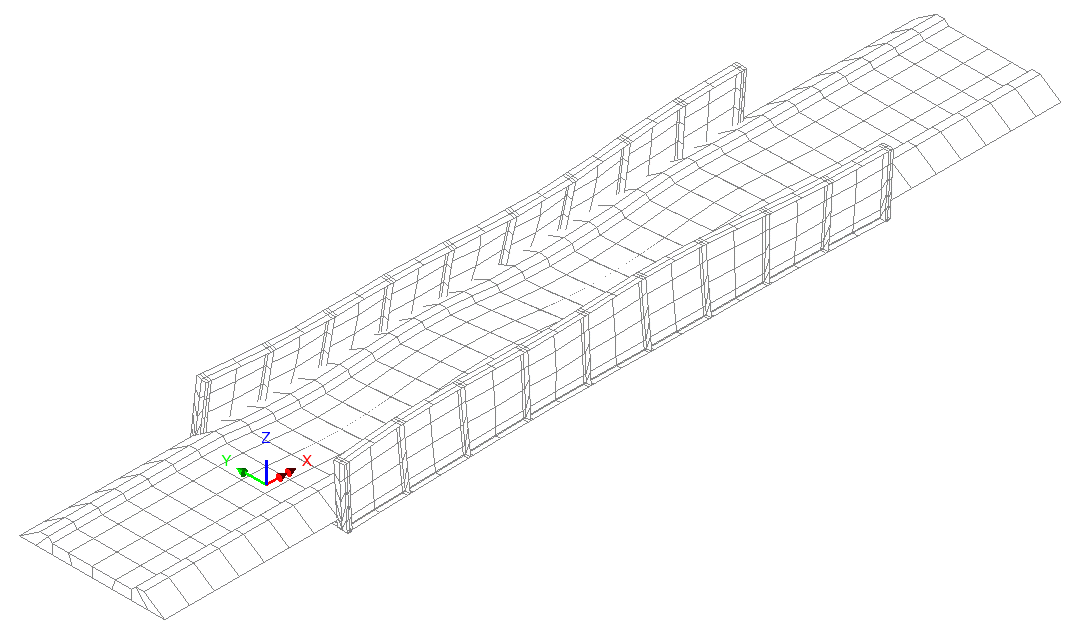
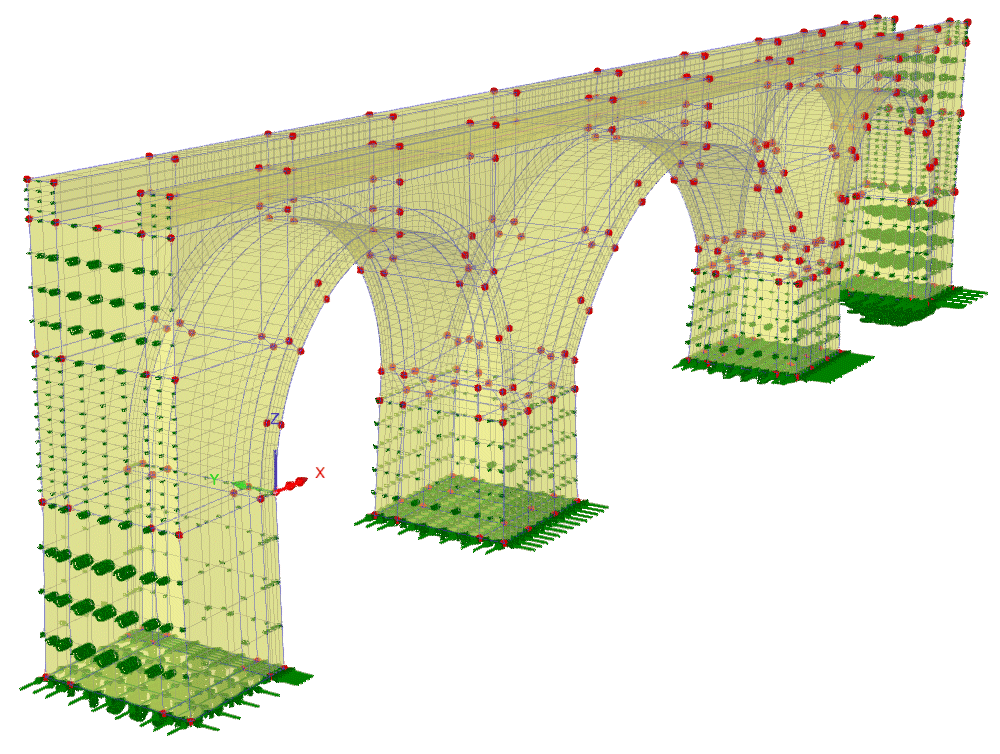
The Masonry Bridge Wizard provides example data to create an illustrative 3-span masonry arch bridge that can be modelled in 2D or 3D suitable for linear or nonlinear analysis. 

RC Frame Design to EN 1992-2

3D, Frame, Concrete, Steel Reinforcement, Design code checks, Eurocode 2, EN 1992-2, Design Member, Design Attribute, Load Combinations, Enveloping, Member Utilisation Ratio, Reporting

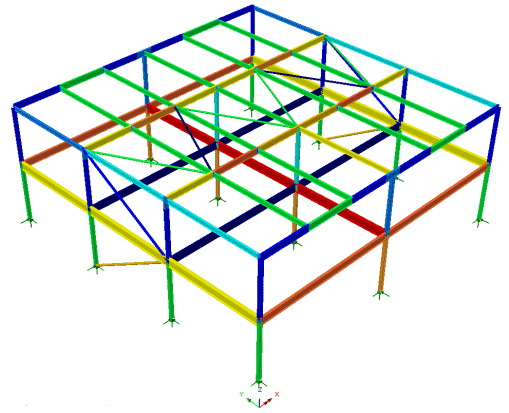
Steel Frame Design to EN 1993-1-1

3D, Frame, Structural Steel, Design code checks, Eurocode 3, EN 1993-1-1, Design Member, Design Attribute, Load Combinations, Enveloping, Error Codes, Member Utilisation Ratio, Member Report, Reporting.

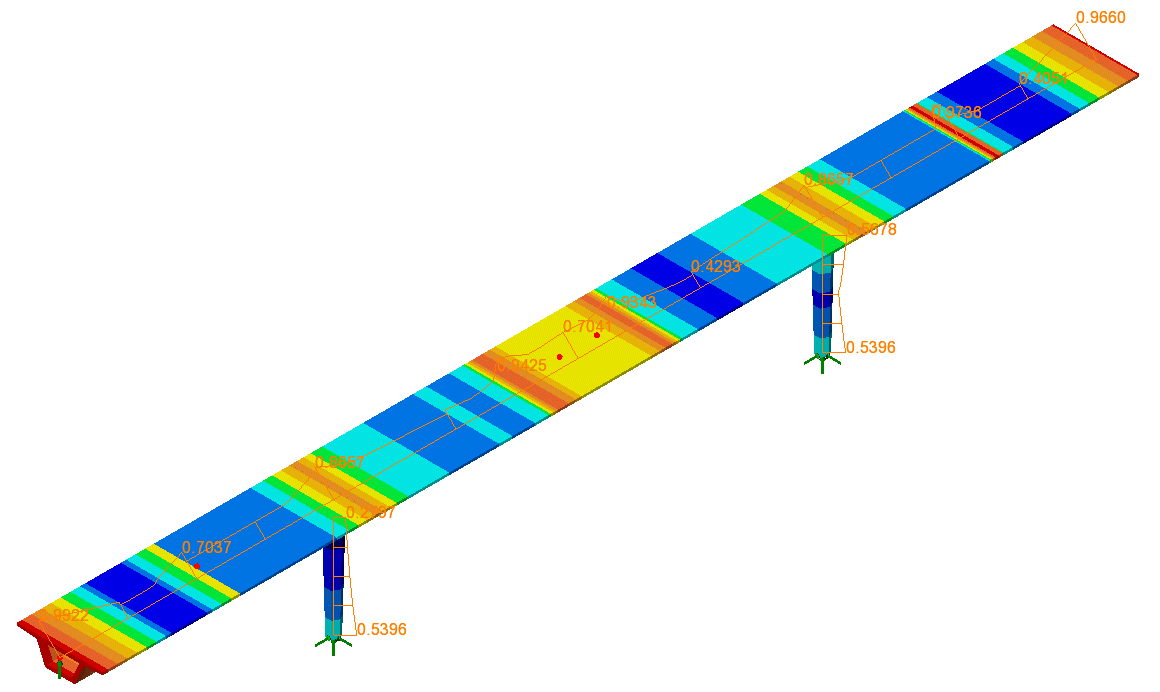
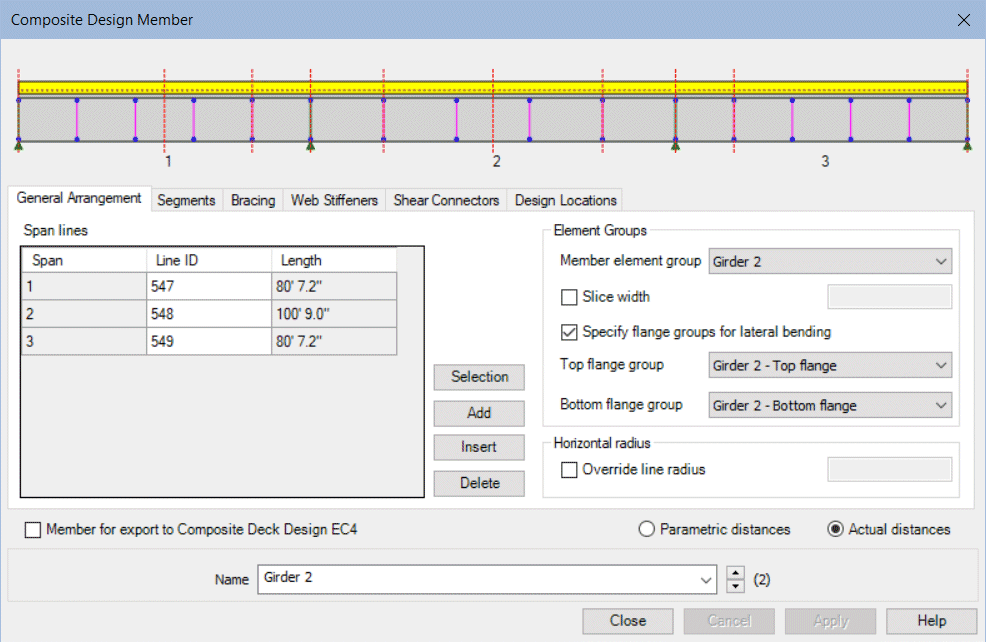
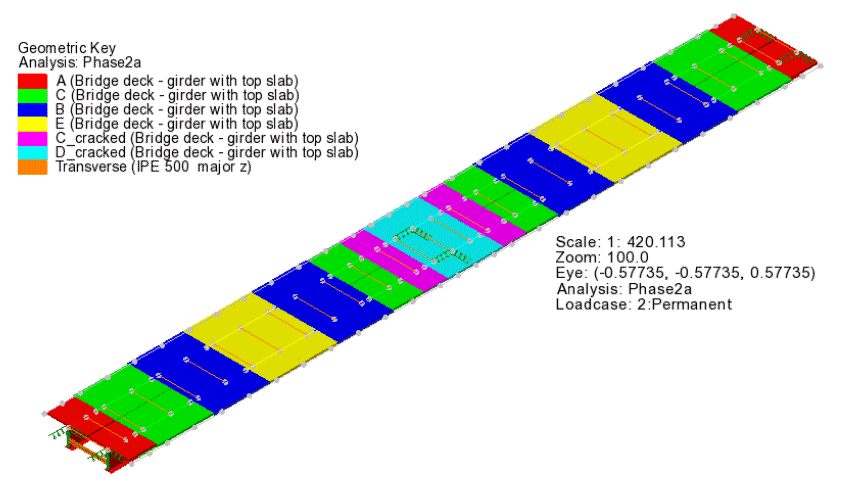
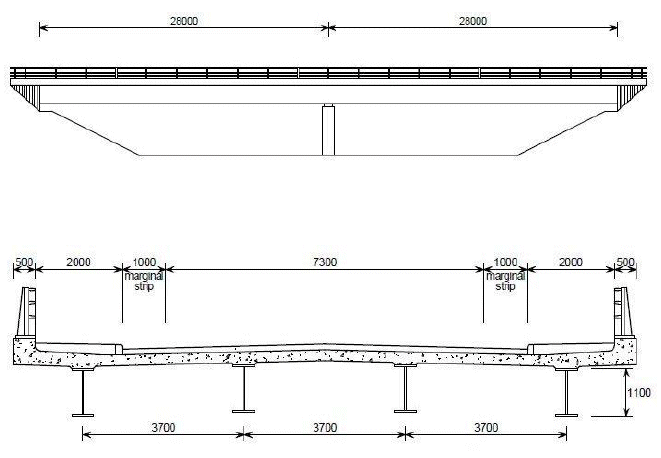
Composite Bridge Deck Design

3D, Steel, Concrete, Composite, Bridge, Structural, Design code checks, AASHTO 8th, Bridge Deck Grillage, Design Member, Design Attribute, VLO, Staged Construction, Load Combinations, Branched Analysis, Member Utilisation Ratio, Member Report, Reporting, Steel Composite Bridge Wizard

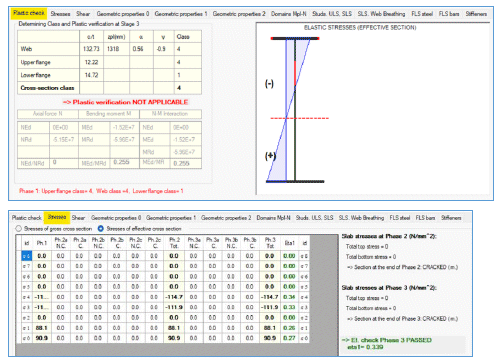
Composite Bridge Deck to Eurocodes

3D, Steel, Composite, Deck, Designer, EC4, Design, Checking, Import, Export, ULS, SLS, Graphing, Detailed design.

Composite Highway Bridge

3D, Steel, Composite, Deck, Designer, EC4, Design, Checking, Import, Export, ULS, SLS, Graphing, Detailed design.

Verification of a Continuous Girder – Shrinkage and Thermal Effects

Steel, Composite, Deck, Designer, EC4, Design, Checking, Import, Export, ULS, Shrinkage, Thermal Variation, Isostatic Effects, Hyperstatic Effects

Seismic Response of a 2D Frame (Time Domain)

2D, Frame, Seismic, Time Domain, Response, Mass Participation, Interactive Modal Dynamics, IMD, Excitation, Eigenvalue, Secondary Response Spectra

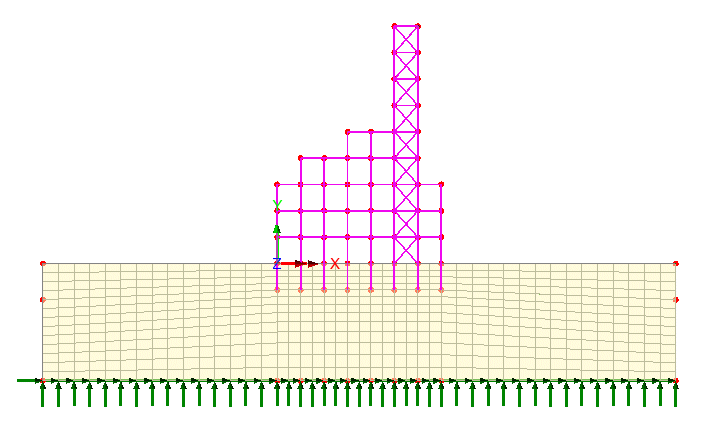
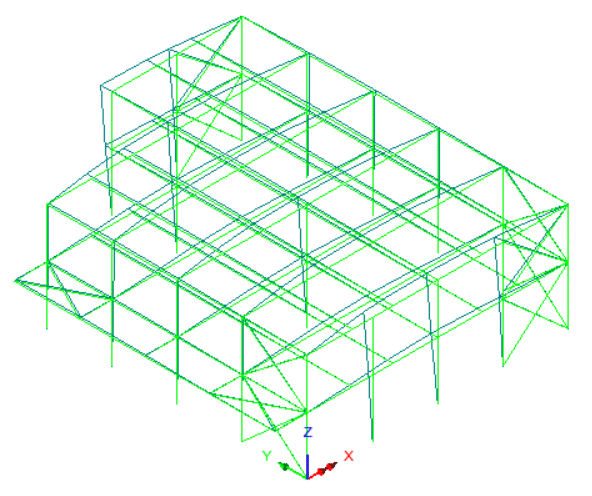
Seismic Response of a 3D Frame (Time Domain)

3D, Frame, Seismic, Time Domain, Response, Interactive Modal Dynamics, IMD, Excitation, Eigenvalue, Modal Combination

Train Induced Vibration of a Bridge

3D, Moving Load, Time Domain, Response, Interactive, Modal, Dynamics, IMD, IMDPlus, Eigenvalue

LPI 활용 기초 - 매크로 정의

LPI 란 ?

LUSAS Programmable Interfaace 를 의미하며,  반복적으로 수행하는 작업들에 대한 매크로를 정의하여 활용하는 것으로부터 LUSAS 를 플랫폼으로 하는 모델링, 해석, 설계검토, 도면작성 등의 전과정에 대한 자동화 프로그램 개발에도 활용할 수 있습니다.

작업 기록 개시

  • File > Script > Start Recording 

대화창에서 파일명을 지정하면, 이후 작업들이 VBS 혹은 JS 명령문 형태로 저장됩니다.

Line 1 개 정의

모델러에서 Line 1개을 정의해 봅니다.

작업 기록 종료

  • File > Script > Stop Recording 

기록을 종료합니다.

기록 내용 확인

아래와 같이 Line 을 정의하는 명령문 조합이 기록됩니다.

기록 내용 수정

아래와 같이 기록된 내용을 수정해 봅니다.
좌표를 변경시켜 가며, 총 10회 반복하도록 한 것입니다.

수정된 파일 실행

  • File > Script > Run Script 

수정된 파일을 실행시키면, 아래와 같이 10 개의 Line 이 작도 됩니다.